1. Verify the official page
Open the official backoffice through the registration button and confirm that the page is correct before entering details.
Controleer vóór elke transactie de officiële backoffice, het netwerk en het walletadres. Verstuur nooit funds naar een adres dat je niet opnieuw hebt gecontroleerd.
Open the official backoffice through the registration button and confirm that the page is correct before entering details.
Copy the USDC address only from the live platform screen. Recheck the network before sending.
Provider fees, network fees, limits and availability may change. Review them before approving payment.
Save transaction ID, provider receipt and relevant screenshots for your own records.
Deze screenshots helpen je registratie, beveiliging en USDC-storting visueel te controleren voordat je geld verstuurt.
Klik op een afbeelding om deze groter te bekijken.
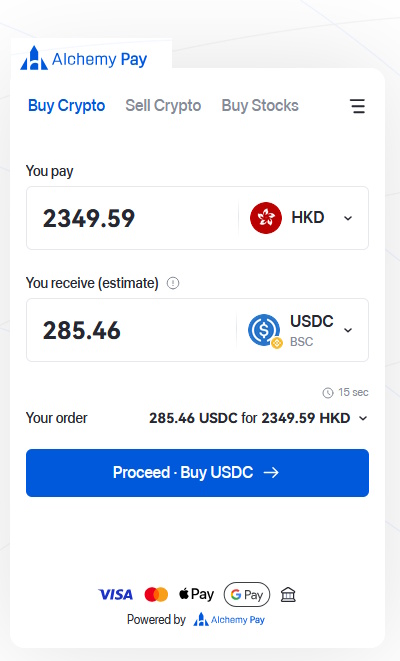
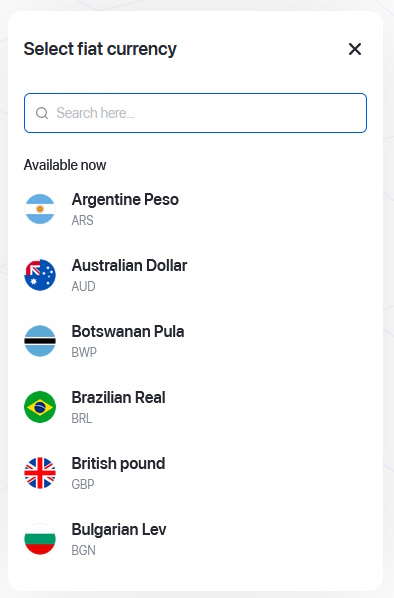
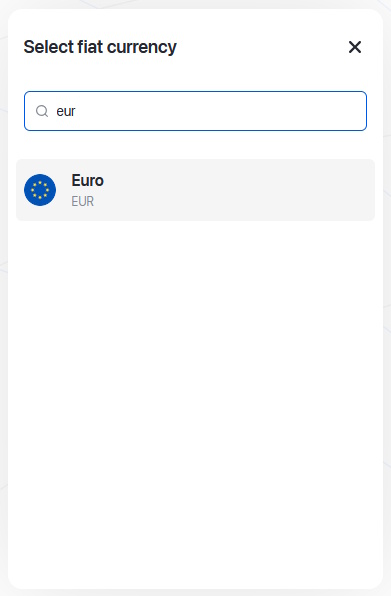
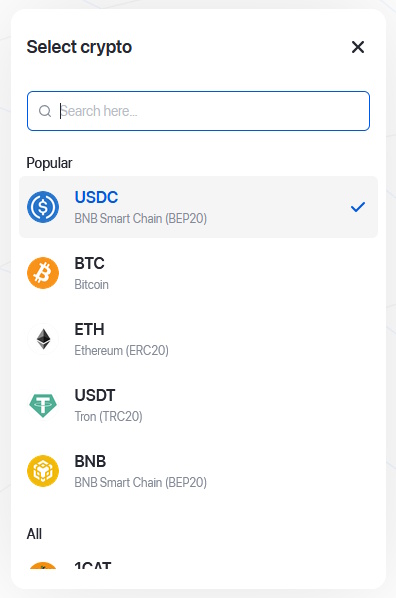
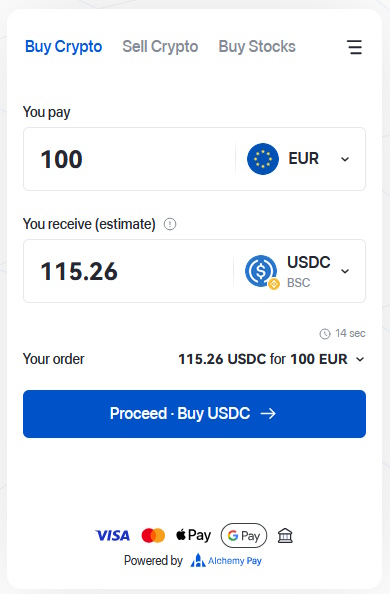
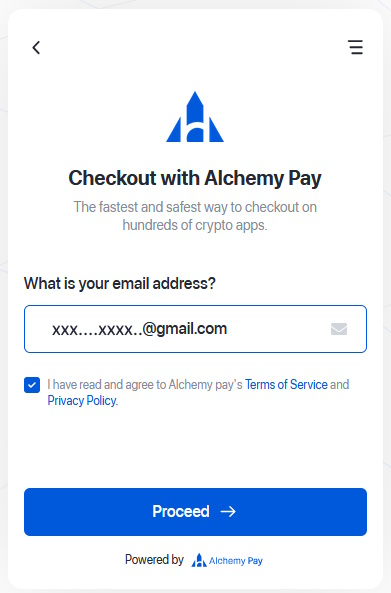
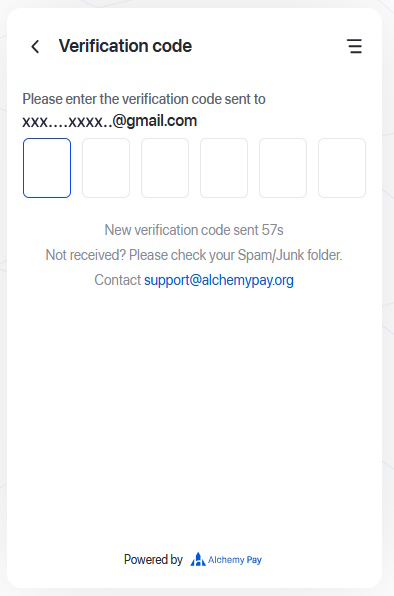
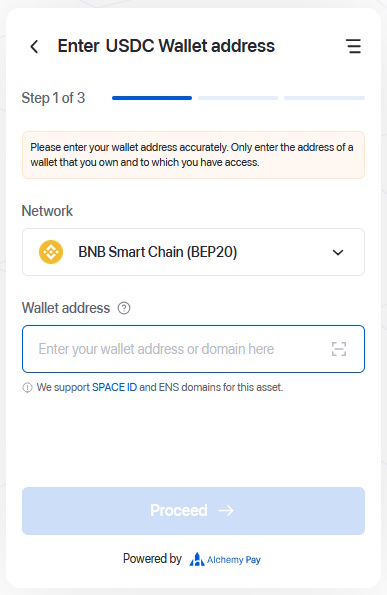
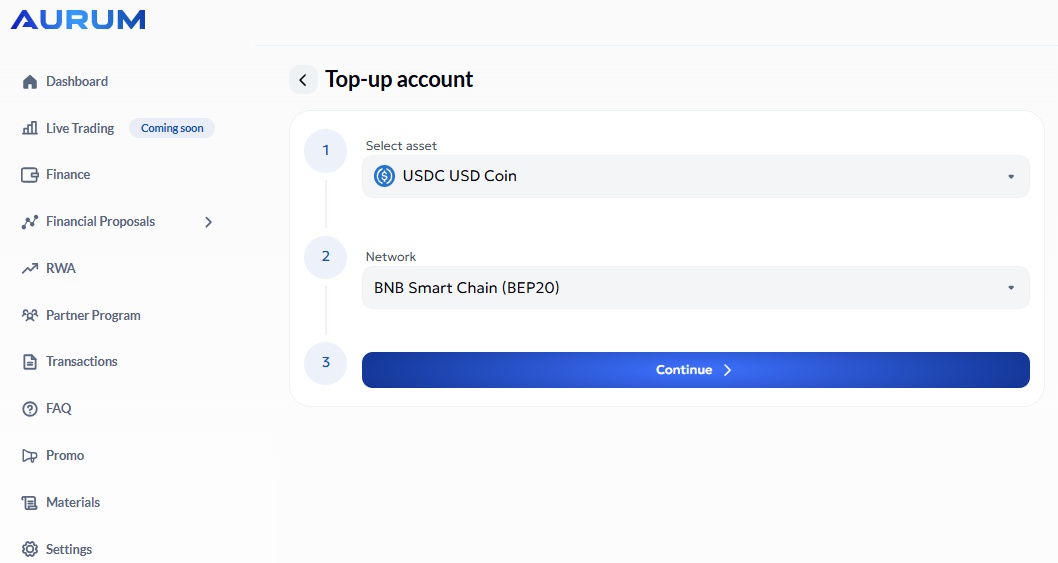
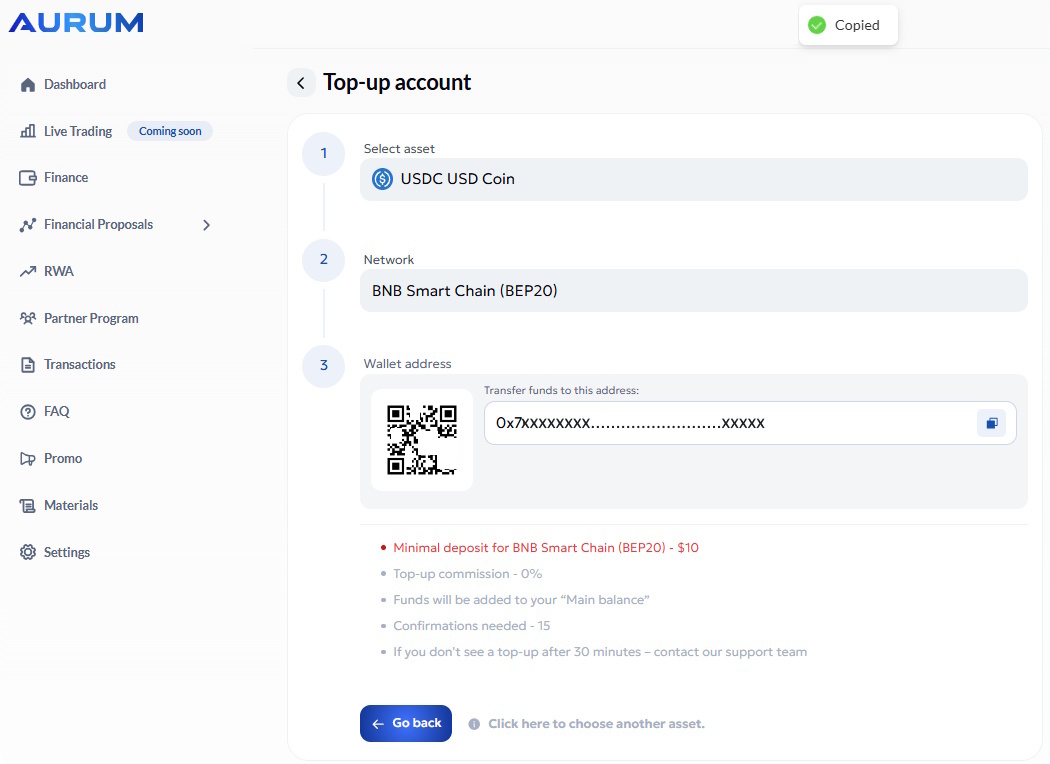
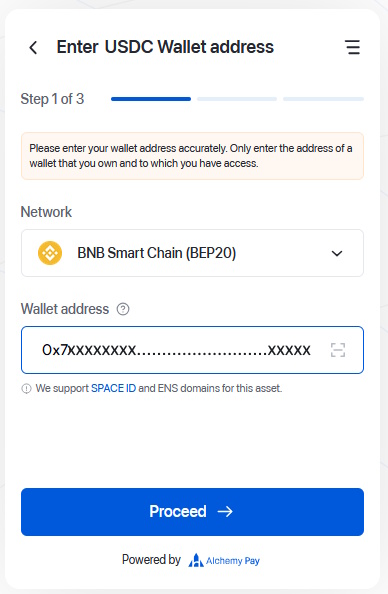
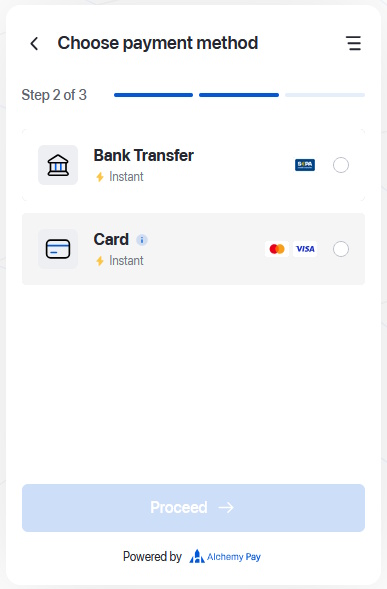
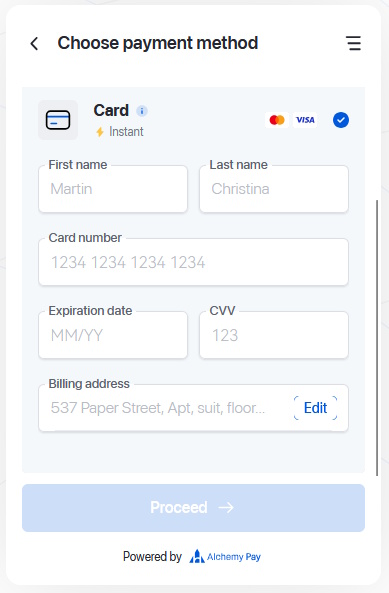
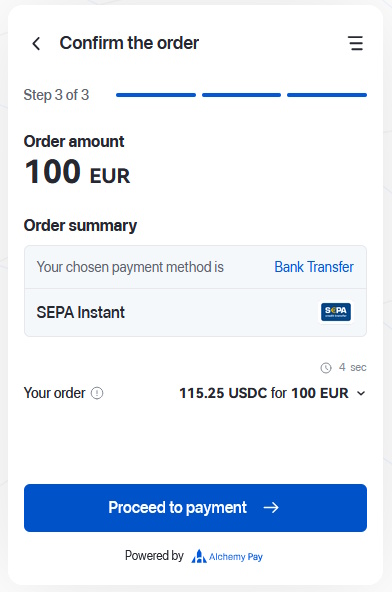
Confirm the official backoffice page, USDC network and wallet address.
Yes. Sending crypto on a wrong network can make recovery difficult or impossible.
No. Fees and provider conditions may change.
No. It is educational information only.
On the official platform before taking action.
Yes, for scenario planning only, not as a promise.
To the configured Aurum backoffice referral page.
EnglishTürkçeΕλληνικάDeutschFrançaisEspañolРусскийБългарскиالعربية中文AfrikaansNederlandsNorskSvenskaPortuguêsRomână한국어